World and backups
A backup is your insurance. Take one before changing version, installing a big add-on or editing world files.
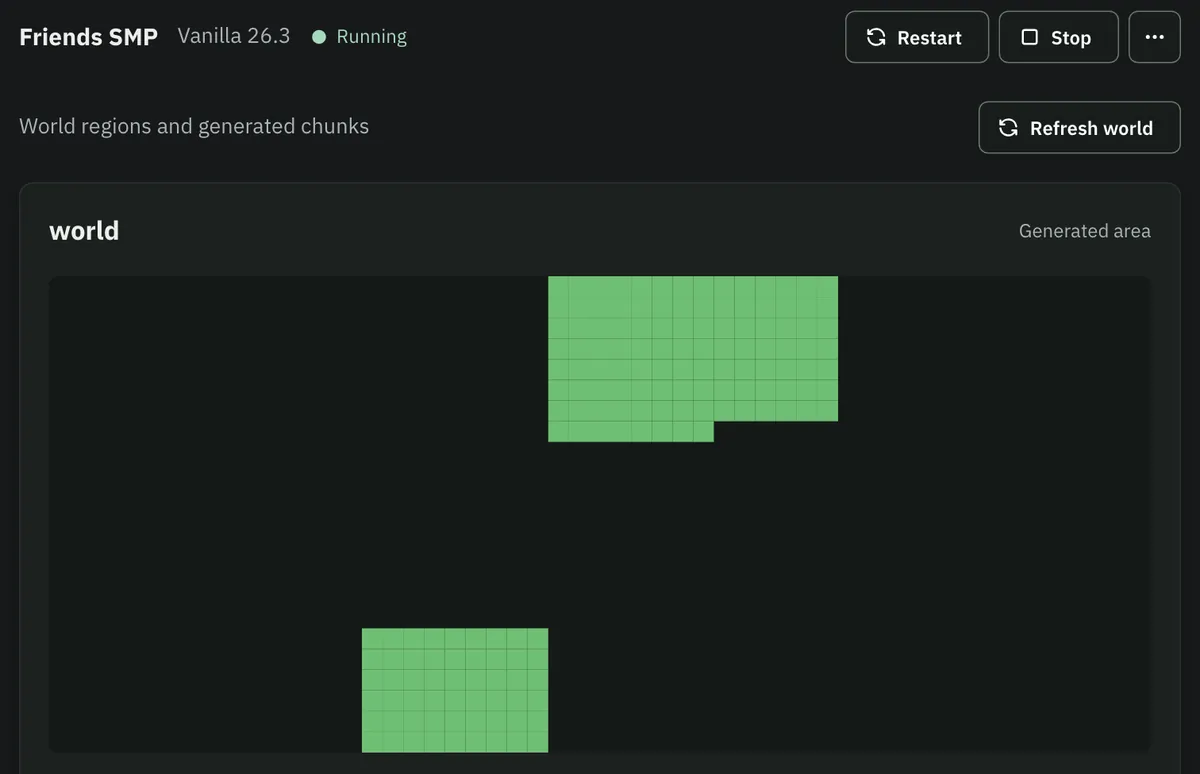
Look at the world
Open World to see the world data and a terrain preview.
Make a backup
Find Backups in Settings and create one when the button is available.
Check the backup list
Confirm the new backup is in the list with the right time before you edit files or change version.
Good to know