Java + Bedrock crossplay hosting without manual Geyser setup
Stop splitting friend groups between PC and mobile. Select Java + Bedrock when creating your server and myCubeKub wires cross-platform routing automatically.
Quick summary
myCubeKub natively provisions Java + Bedrock cross-play servers on Paper or Spigot with automatic TCP and UDP port routing, letting PC Java players and mobile Bedrock players connect to one shared world without manual proxy configuration.
Technical overview
Why run this setup on myCubeKub
Zero manual proxy or UDP port headaches
Picking Java + Bedrock configures the required cross-platform bridge and assigns compatible ports automatically.
Built on Paper & Spigot
Runs on optimized Paper or Spigot builds with room for community plugins and server tuning.
Clear join details for both editions
Your server header and connection guide show the exact host and port details for both Java and Bedrock clients.
How to get started
Step 1
Pick Java + Bedrock in step 1
Name your world and select the Java + Bedrock edition option in the create-server wizard.
Step 2
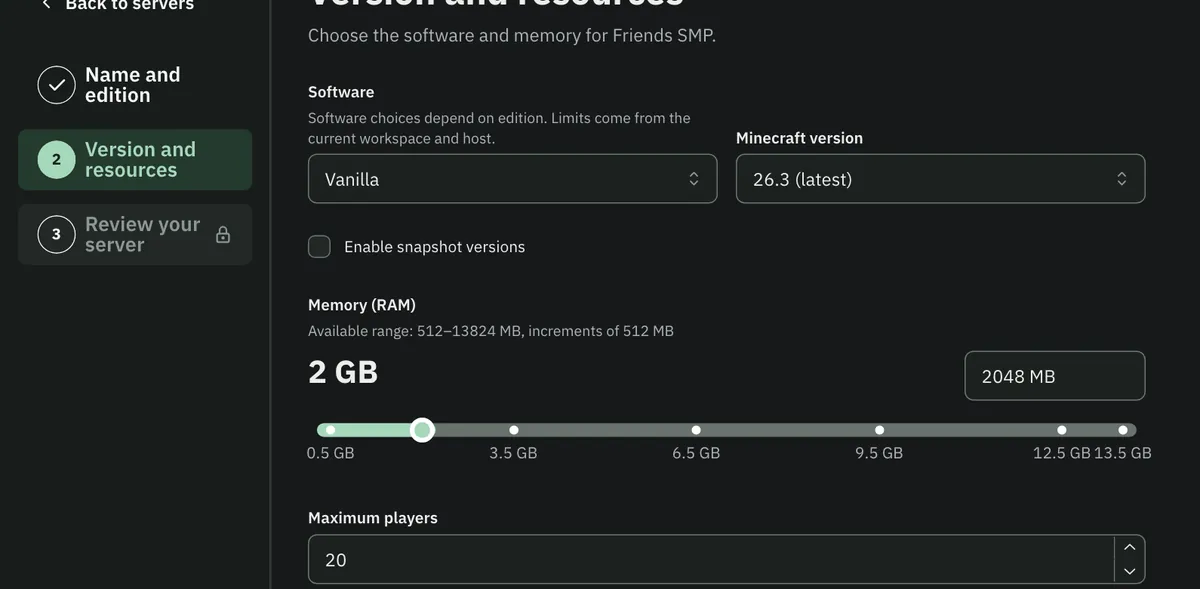
Select Paper or Spigot and allocate RAM
Choose the latest supported Minecraft release and allocate enough memory (4 GB+ recommended for busy cross-play groups).
Step 3
Share join details with PC & mobile friends
Start the server and share the Java address plus Bedrock host/port shown in your connection guide.
Current plans and billing options
Start free or use prepaid credits (1 credit = 1 THB) with hourly, daily or monthly options and zero automatic renewals.