Minecraft Bedrock hosting for mobile, tablet and Windows
Never wait for the world owner to come online. Run an always-reachable Bedrock Dedicated Server for iPhone, iPad, Android and Windows Bedrock players.
Quick summary
myCubeKub runs official-style Bedrock Dedicated Servers with automatic UDP port assignment, browser-based world/resource-pack management, backups and one-click server controls for mobile, tablet and Windows players.
Technical overview
Why run this setup on myCubeKub
World stays online without a host phone
Friends can keep building and farming anytime even when the server creator is offline.
Mobile-friendly web control panel
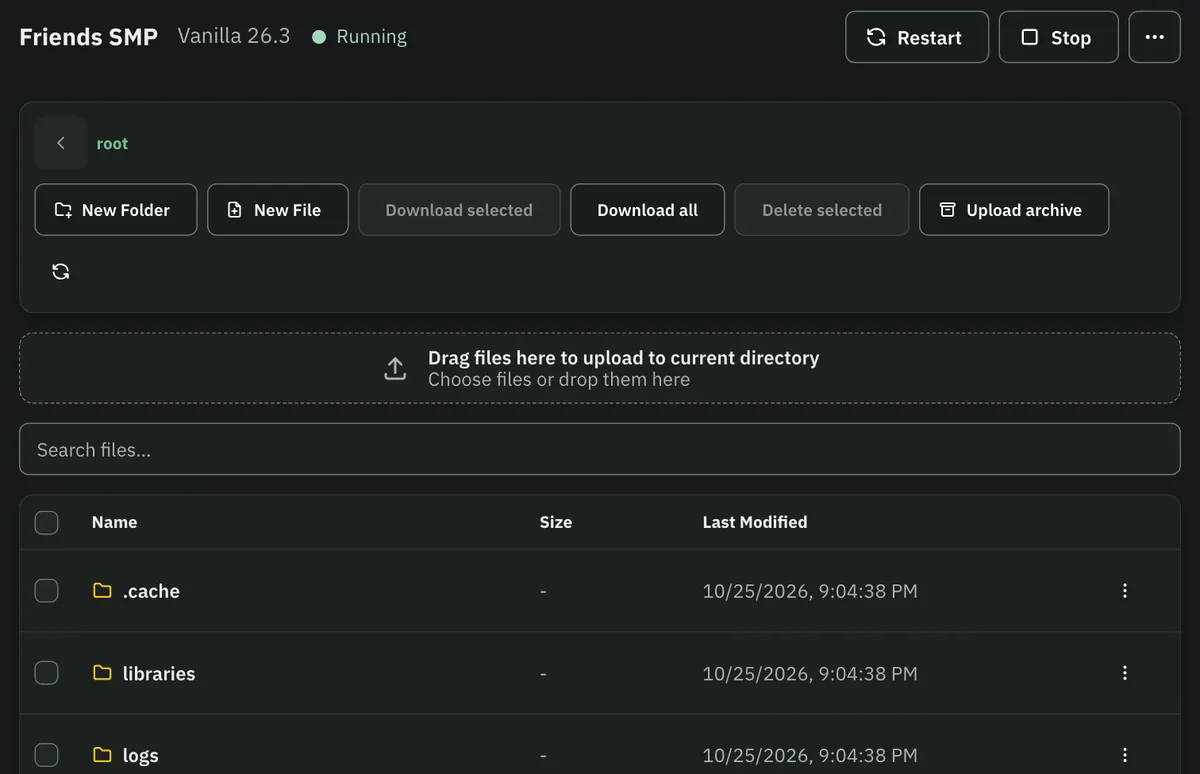
Start, stop, send commands and upload existing world files straight from your phone or desktop browser.
Memory-efficient Bedrock runtime
Bedrock Dedicated Server uses less memory per player than Java, making starter tiers go even further for friend groups.
How to get started
Step 1
Choose Bedrock in the creation wizard
Name your server, choose Bedrock and pick the version matching your friends' Minecraft apps.
Step 2
Start server and copy host + port
Start the server and copy the host address and UDP port shown at the top of the overview.
Step 3
Add server in Minecraft's Servers tab
Open Minecraft -> Play -> Servers -> Add Server, paste your host and port, and join together.
Current plans and billing options
Start free or use prepaid credits (1 credit = 1 THB) with hourly, daily or monthly options and zero automatic renewals.