Modpacks (.mrpack and CurseForge)
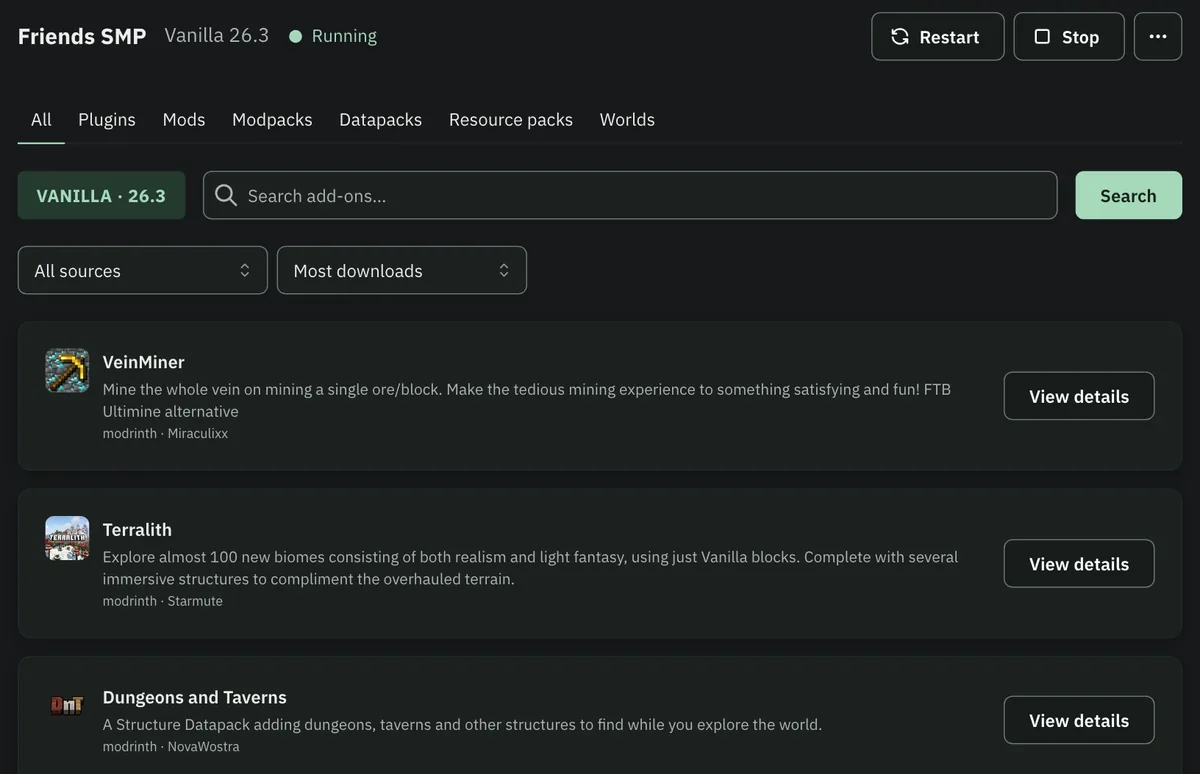
Running a modded pack requires the game version, mod loader and client mod list to match the server. You can install through Add-on Store or upload a .mrpack bundle.
Match server software to the pack loader
Check the pack page (for example Cobblemon, Better MC or RLCraft) to confirm whether it requires Forge or Fabric and the exact Minecraft version, then match both when creating the server.
Tip: Use the RAM calculator before launching. Medium and heavy modpacks typically need 8 GB to 24 GB depending on player count and chunk loading.
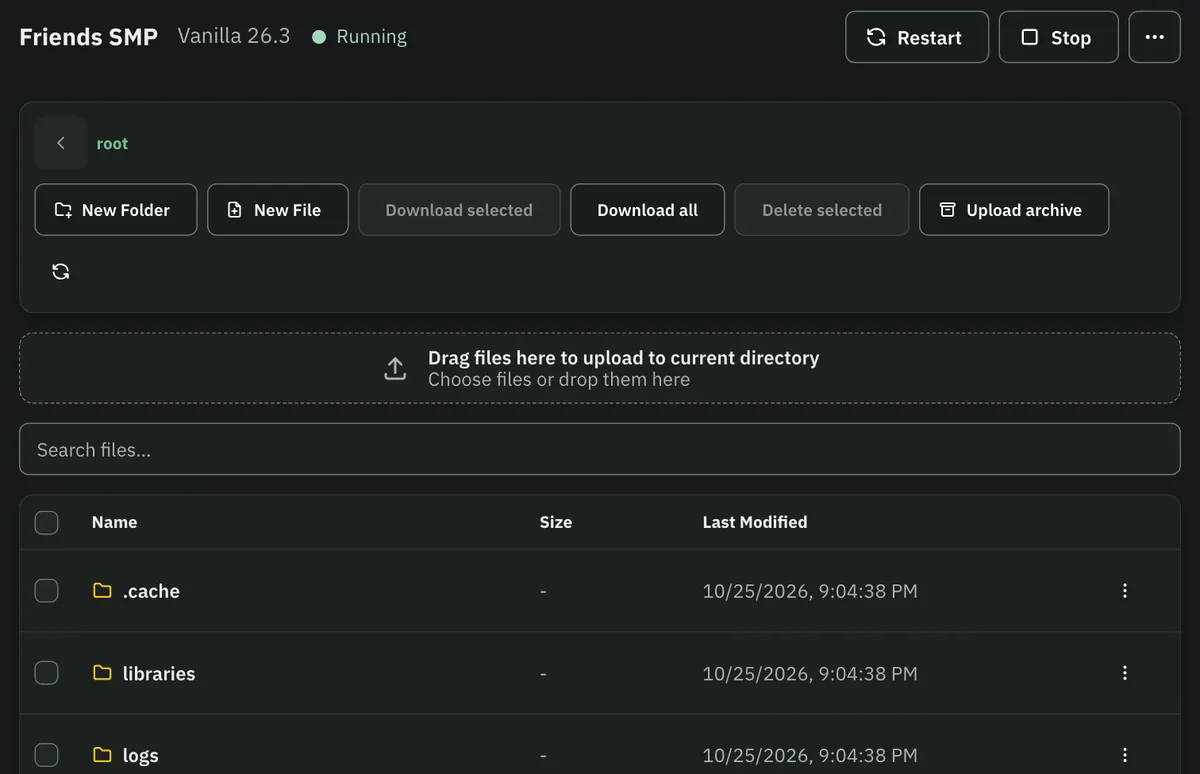
Install from the store or upload a .mrpack archive
Search CurseForge or Modrinth directly in Add-on Store, or upload a Modrinth .mrpack file in Files and restart so server mods and config overrides unpack cleanly.
Confirm clean startup in Console before friends join
Watch Console until world startup completes without missing-dependency errors, and remind every player to launch the exact same modpack version on their client.
Terms explained
- Modpack
- A curated bundle of mods and configs where server and players must share matching versions.