Java and Bedrock crossplay setup
When friends split across Java PC and Bedrock mobile or console editions, run Paper with GeyserMC and Floodgate so everyone joins one shared survival world.
Create the server with Paper
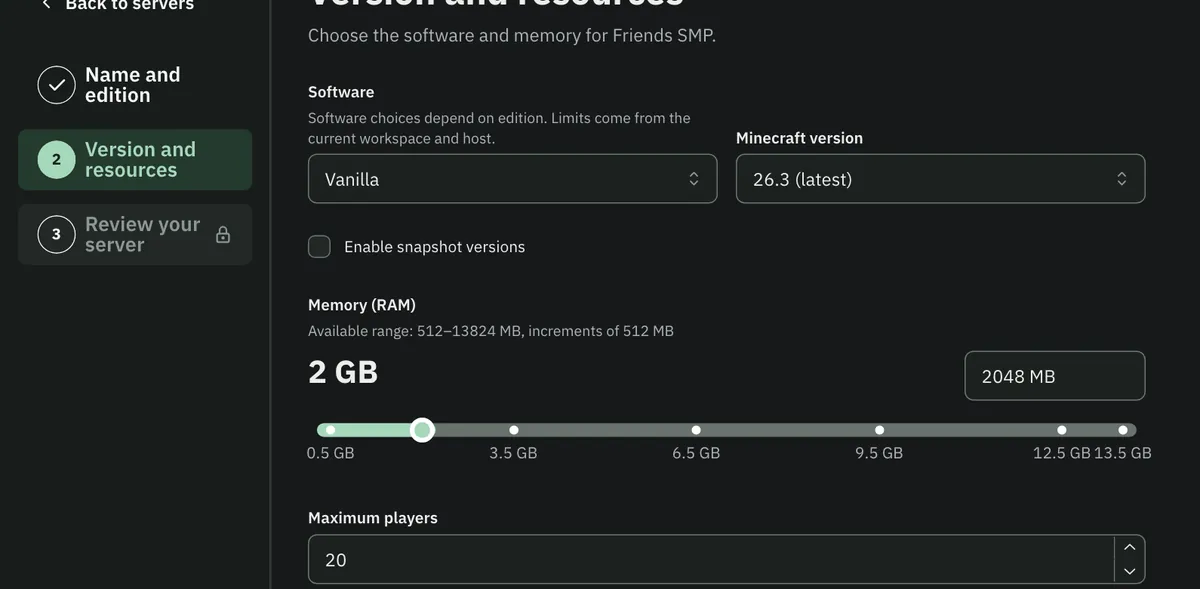
Choose Paper during server creation so plugin-based crossplay bridges load reliably, and size RAM for your combined player group.
Install GeyserMC and Floodgate plugins
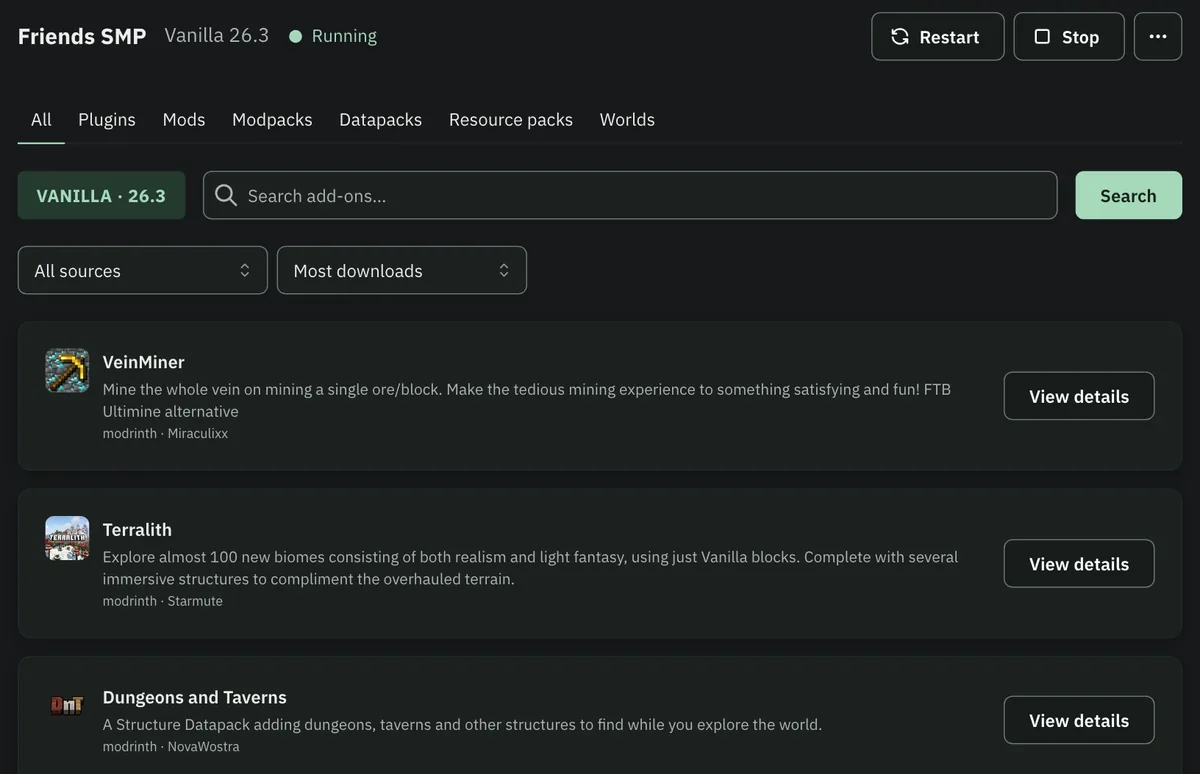
Open Add-on Store to install GeyserMC alongside Floodgate, then restart the server. Floodgate lets Bedrock players connect using their Xbox/Bedrock account without needing a Java license.
Share the right address format for each edition
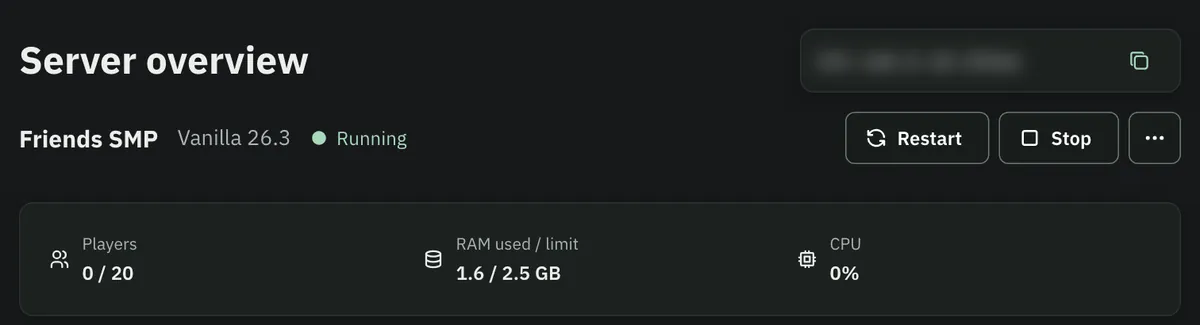
Copy the server connection details from Overview: Java players enter the Java host address (TCP), while Bedrock players add the server host and Bedrock UDP port.
Tip: If whitelist is enabled for Floodgate players, prefix Bedrock usernames as configured (default dot prefix) or add them while they are online in Console.