Fix Connection Timed Out and getsockopt
A connection timeout or getsockopt error usually means the world is still finishing startup, the address or port was typed wrong, or access settings block the account.
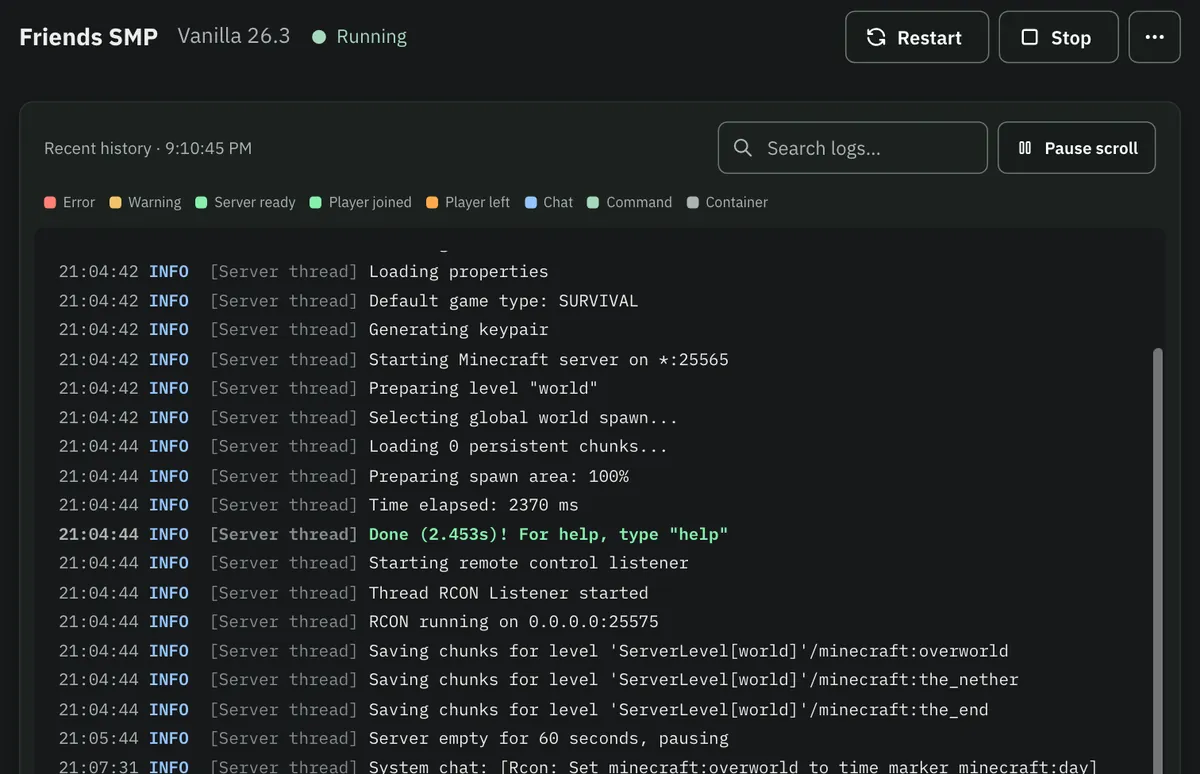
Wait until Console reports Done before joining
Open Console and wait until startup logs report that the world is done loading. Fresh worlds or heavy modpacks take longer on their first boot.
Connection timed out: getsockopt
Verify exact server address and protocol port
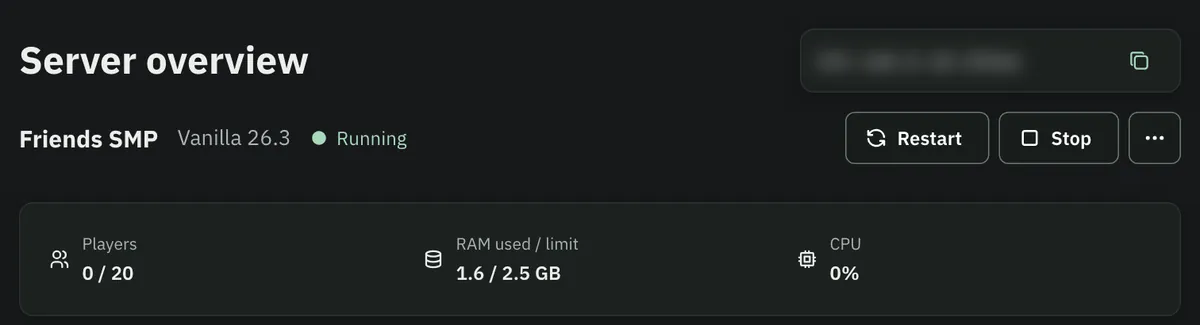
Copy the address fresh from Overview without trailing spaces, and verify Java clients use the Java address while Bedrock players use the Bedrock host and UDP port.
Check Whitelist and online-mode in Properties
Check Properties to verify whether Whitelist is active and online-mode matches your players' accounts, then restart the server if you changed a setting.