
Fix mod and registry mismatch errors
Registry synchronization errors appear when your client mods, versions or loader differ from the server, or when a client-only rendering mod is placed inside the server mods directory.
Read the mismatched mod IDs in Console and client error
Note the exact mod IDs and expected versions shown on the disconnect screen, then confirm the active Forge or Fabric loader build in Console.
Failed to synchronize registry data from server
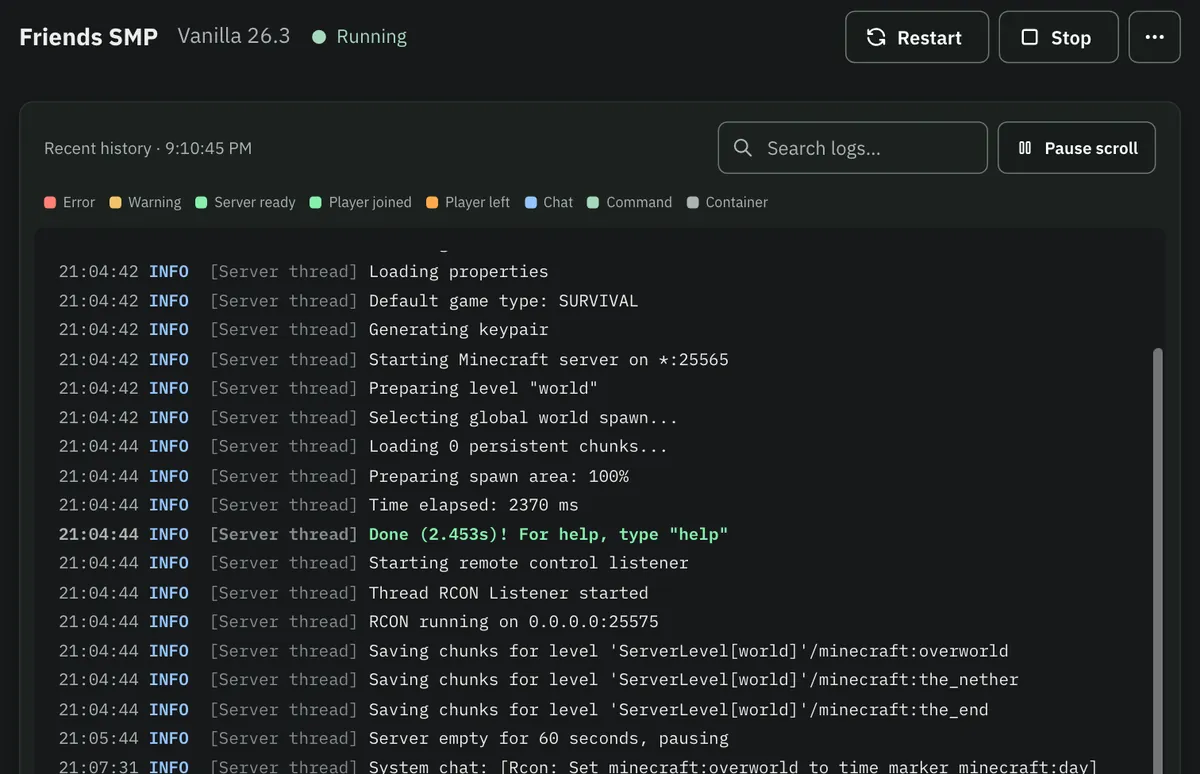
Match .jar versions inside the server mods folder
Open the mods folder in Files and make sure both the server and every player run identical mod .jar versions from the same pack build.
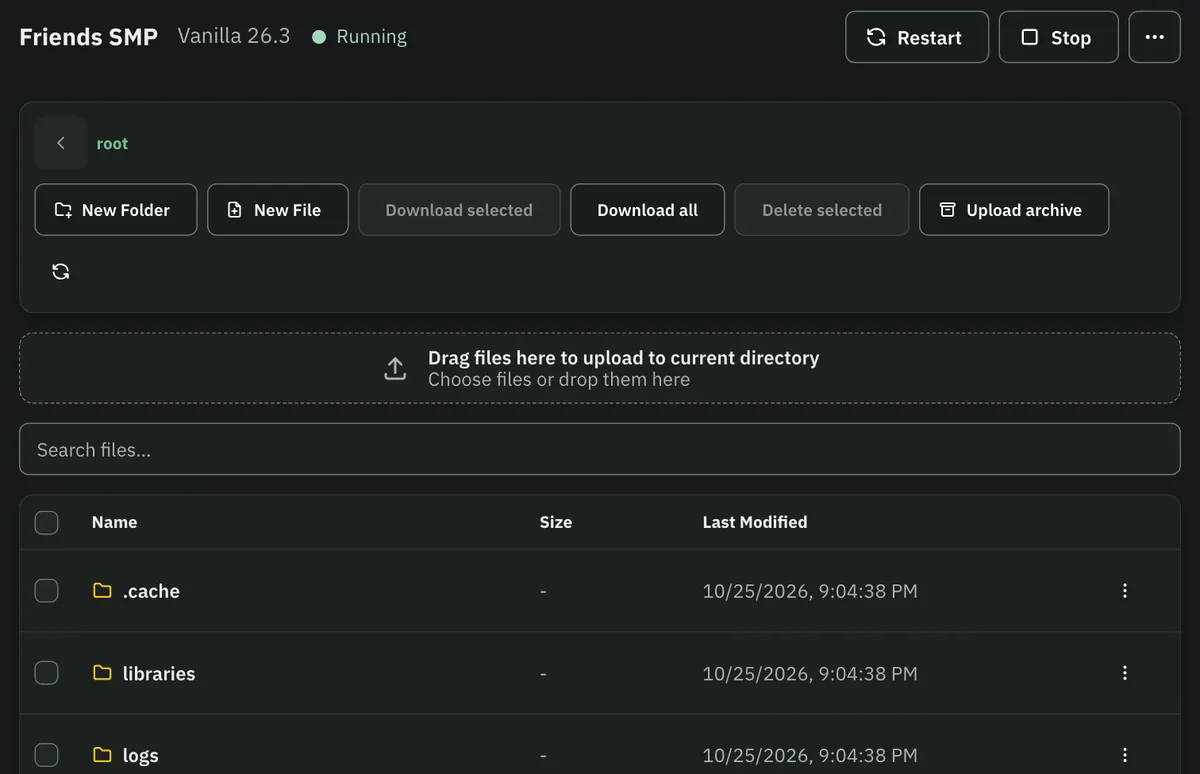
Remove client-only mods from the server and restart
Keep client-only mods such as minimaps, shaders, Oculus/Iris or HUD tweaks only on players' launchers, remove them from the server /mods directory, and restart.