
Status and console
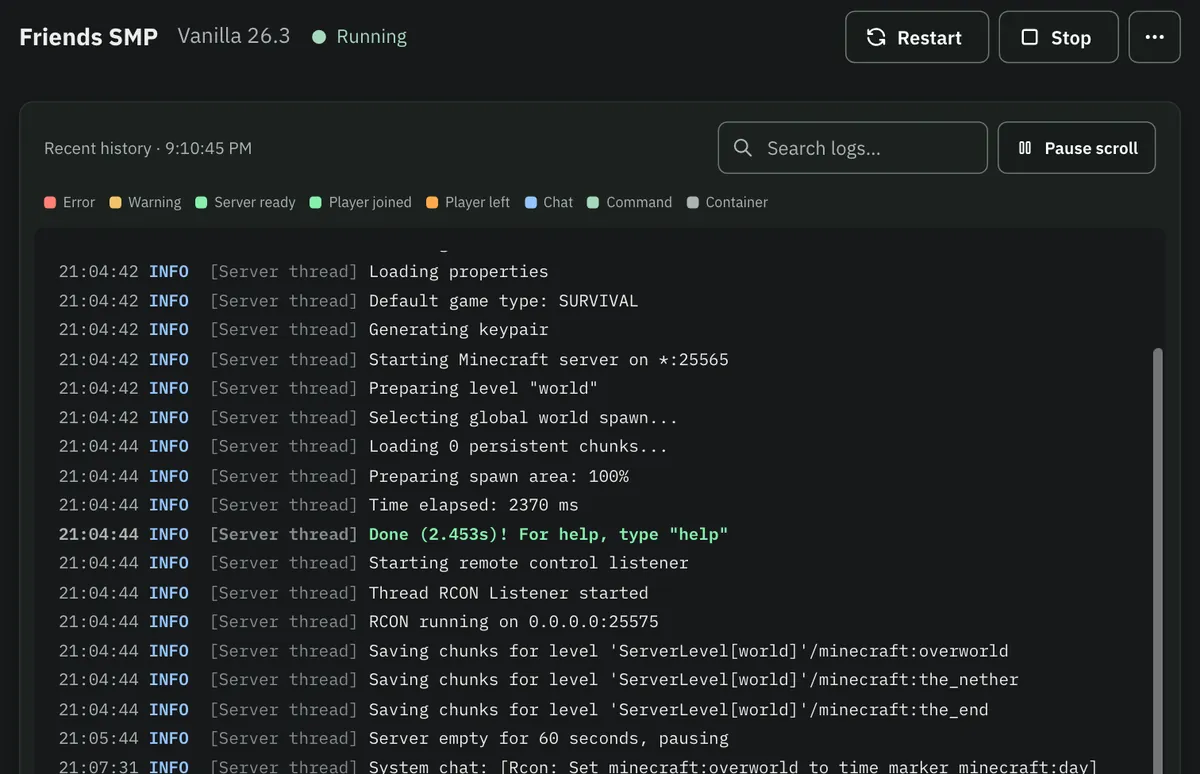
The console shows a live log and lets you type Minecraft commands. Open it when something looks wrong or when you want to act quickly.
Check status first
Check the status and resources in Overview before you start, stop or restart.
Read the log
Open Console to read the log. Use the search box to find a word such as ERROR or a player name.
Send a command
Type the command in the command box without a leading slash, send it and read the result in the log.
list
Tip: Try list to see who is online, or say hello to broadcast a message.
Terms explained
- TPS
- Game ticks per second. 20 is full speed; lower means the server is lagging.