Open your world,
then invite friends.
Create and manage your Minecraft Java or Bedrock server in one place.
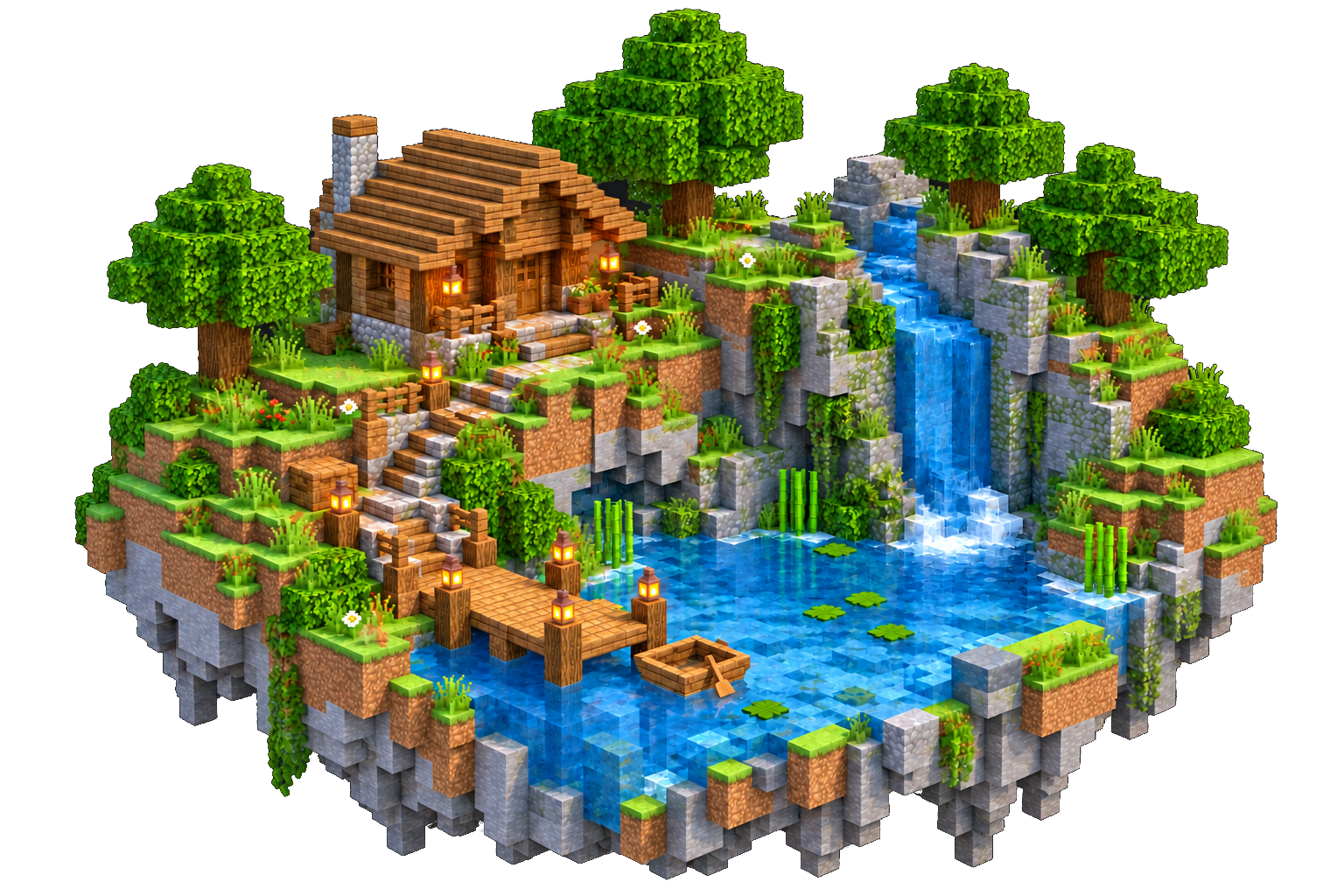
Choose your version
Pick the Minecraft Java or Bedrock version you want to play.
Set up the server
Set a name and resources that fit your world.
Invite your friends
Share the server address so friends can join you.
What you can do in one place
Create, start and look after your server from the web without setting up a host.
Java and Bedrock
Choose the edition and version from the supported list. You do not install Docker yourself.
Console and files
Read logs, send commands and manage server files from the same page.
Backups and worlds
Back up before version or file changes, then check the backup list.
Add-ons and resource packs
Find add-ons that match your version, or upload and merge resource packs.
Address with a port
Ports are assigned for you. Copy the shown address and add it in Minecraft.
Workspaces with friends
Separate workspaces and member access without sharing host passwords.
Minecraft server plans
See the plans below, or open the pricing page for the full list.